
Set up in three steps.
For LumaGlow Scroll and Edge. The free app walks you through it.
-
Get the free LumaGlow app


-
Plug in your display
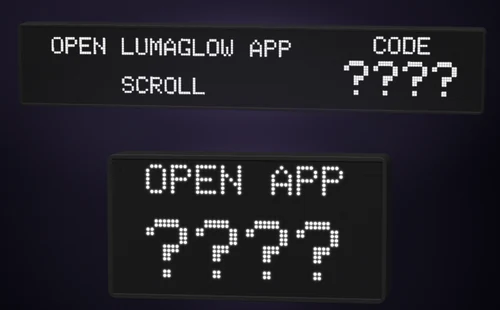
In a few seconds it asks you to open the app and shows a four-character code.
-
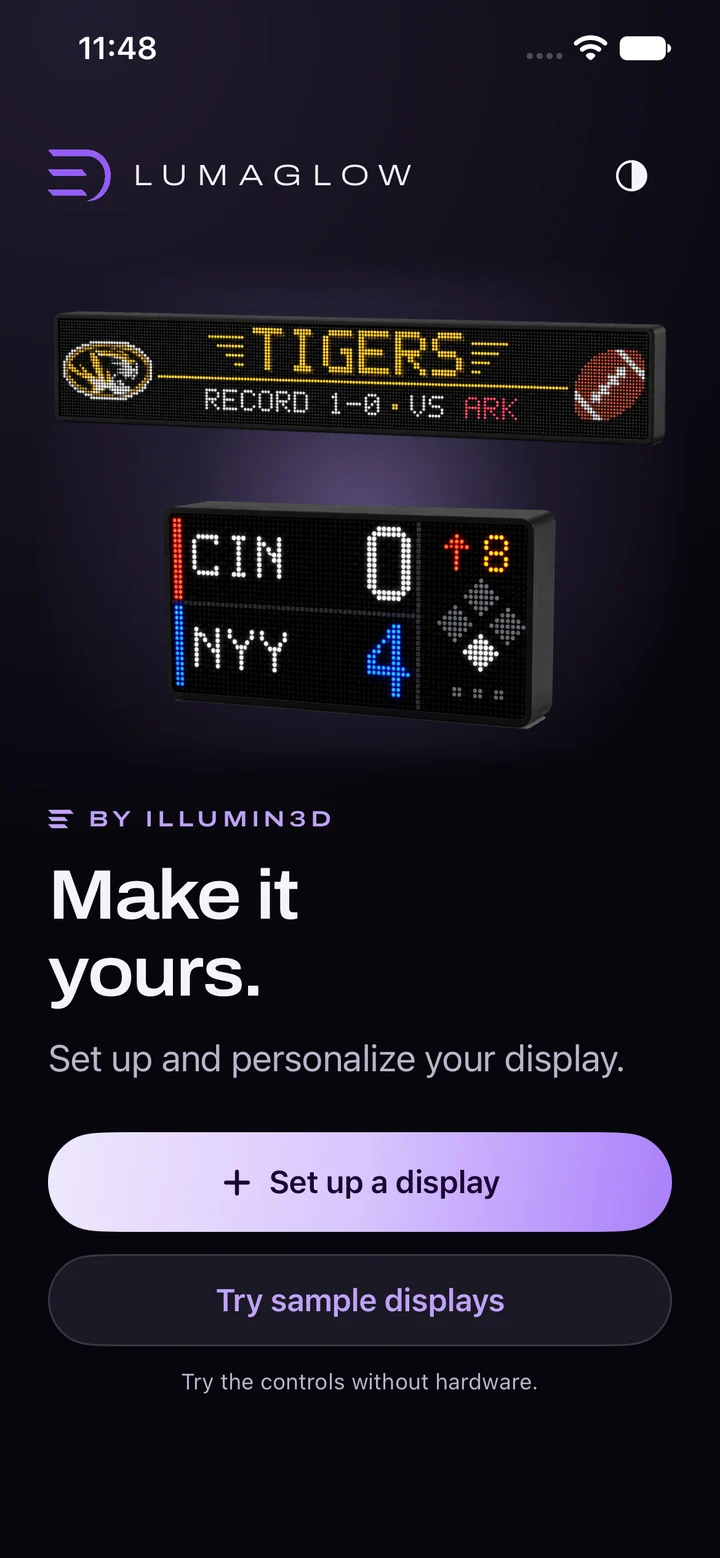
Tap Set up a display and follow the app
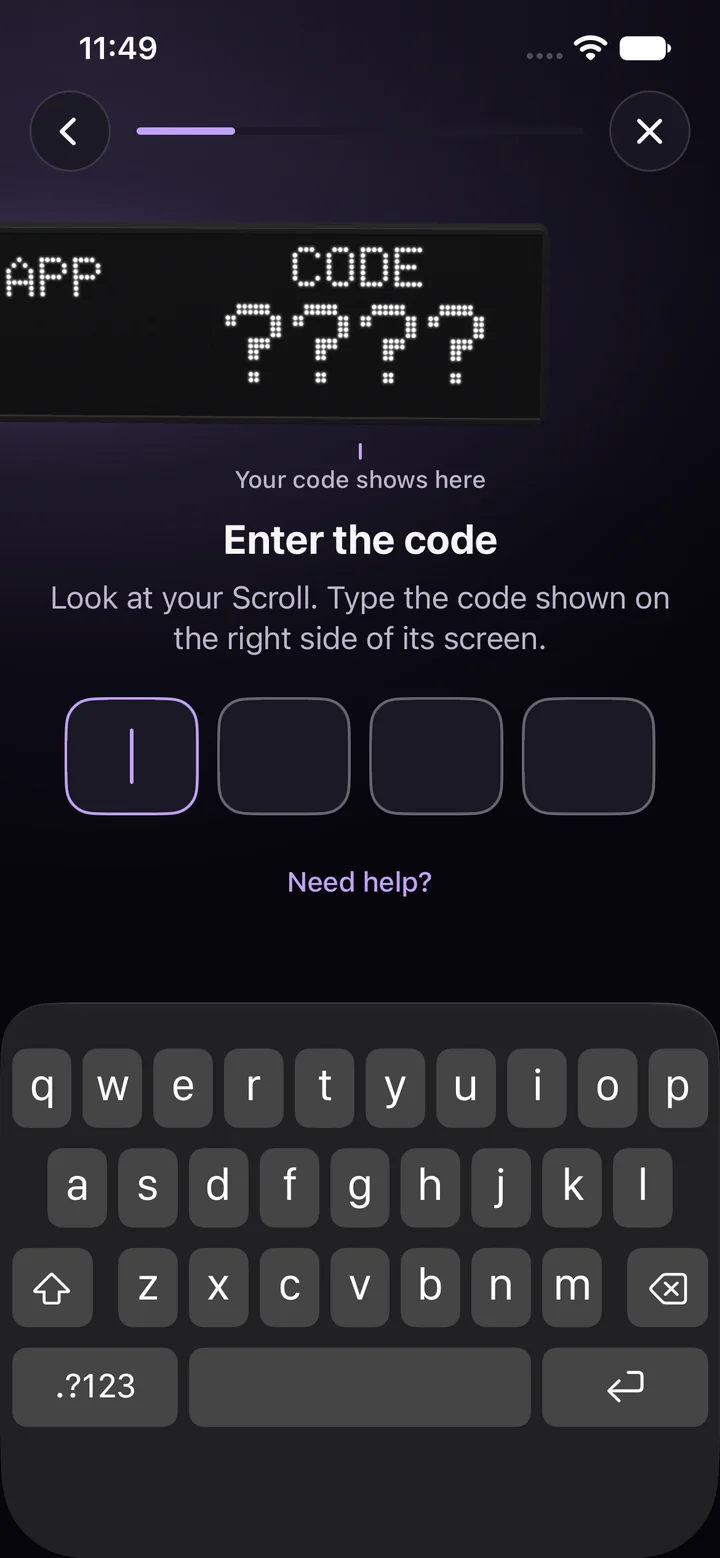
Type the code from your display, pick your Wi-Fi and you are done.
Need help? App support · Contact us · Display shows a Wi-Fi network instead of a code? Older display setup